
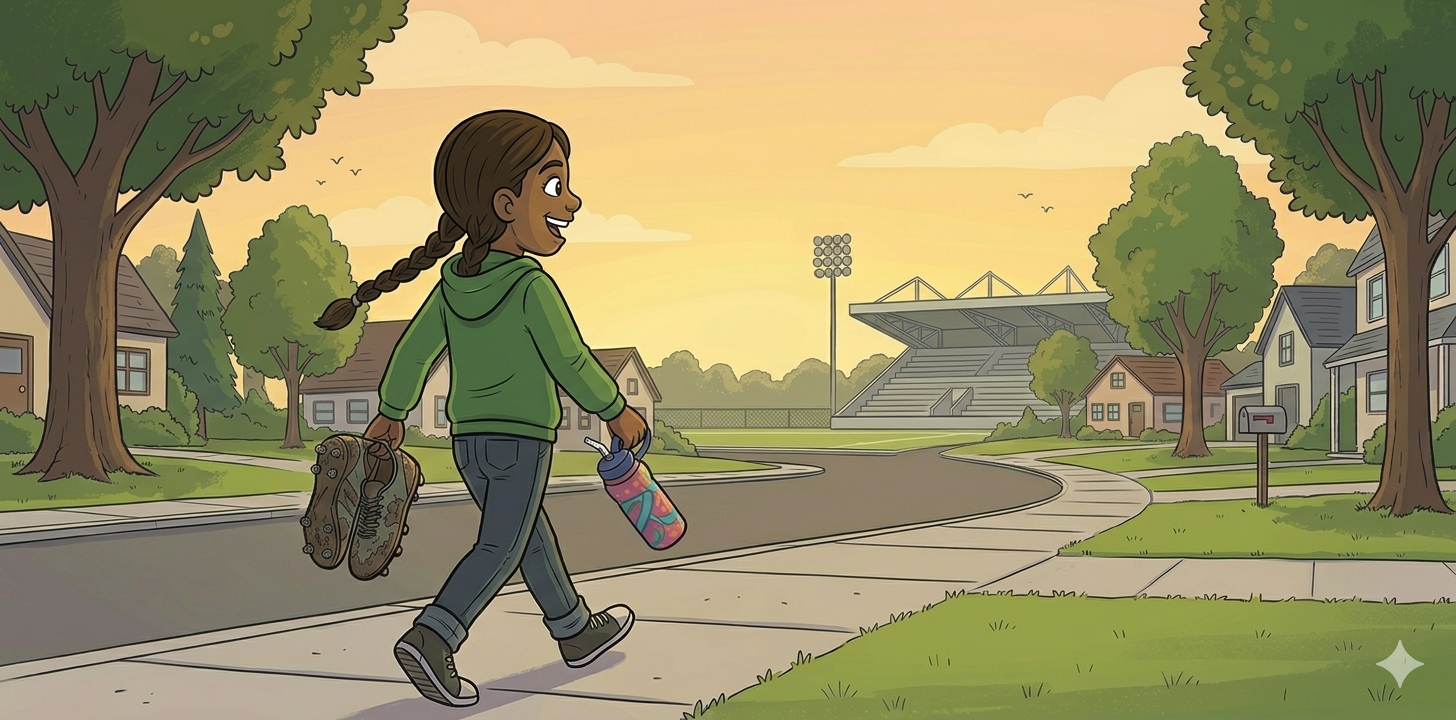
Ideally, for my children’s book, I would like to create my own illustrations. However, right now I do not think I have the time or resources to do that as I prepare for my first teaching practicum! I am proud of the book I have created so far, and would like to use my own art for my final copy. I enjoy engaging in artistic pursuits, and think it would be very rewarding to have my own artwork in the book I created. Learning how to create illustrations is a challenging and time-consuming process, so for now, I enlisted the help of AI.
I started by researching AI tools that are useful for illustrations. The challenge I ran into first was that many of these illustration tools cost money (or give you a short free trial and then cost money), and I did not want to pay for an AI tool that I may not end up wanting to use. I tried out CapCut AI first, but found that the images it produced had errors, and it was challenging to prompt it to generate images in the same style with a consistent representation of the main character. However, CapCut did provide one image when I prompted it, in which I liked the illustration style and portrayal of my main character, Gia. I then took that image and used Gemini AI to develop more scenes from my children’s book.
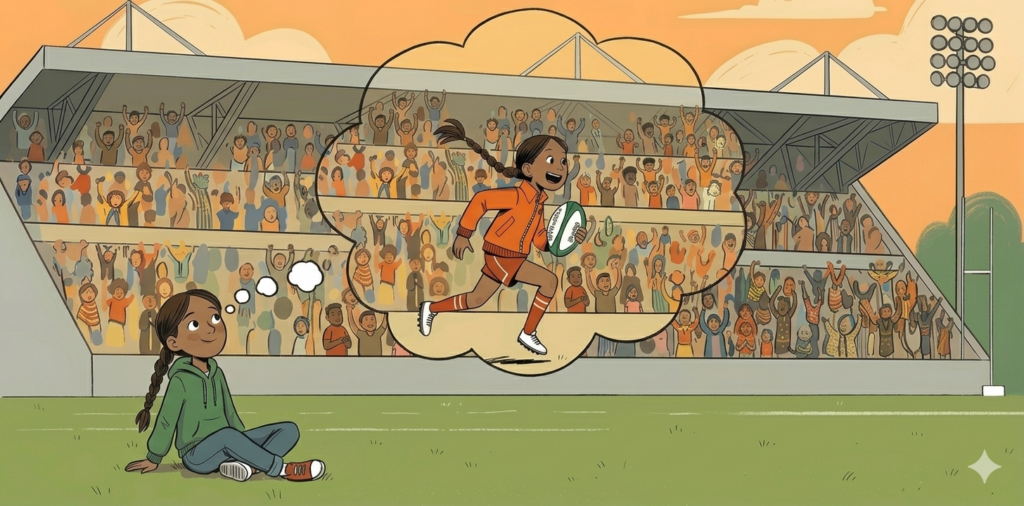
While Gemini AI produced images in a similar style, I found that it was taking multiple prompts to get the image I wanted. Also, the portrayal of my main character was inconsistent: Gemini was varying the illustration style of my character, and making her skin colour lighter the more I prompted it. As a result, I was having to make multiple corrections for every image. This could also be my own fault; I could be more specific and detailed in my chat inputs. Another problem I ran into with Gemini was that after a certain number of images, it stops you from creating more for 24 hours. So, I only got a few pictures generated before having to stop, and generate more images the next day. In the end, I only got a few images I determined usable, as I was having to correct Gemini many times before getting an image I was happy with, and even then, it was not exactly what I wanted. I think in the future I do need to practice being more specific with my prompts, which would hopefully make the AI output more accurate, and mean that I would not need to correct the output multiple times.
See my Gemini conversation here.
Based on the images Gemini created, I created the beginnings of my children’s book. However, I do not plan to use these images in my final copy due to the inconsistency of the illustration style and portrayal of my main character.
See a rough version of the first few pages of my book here:
I tested CapCut a second time, and using my Gemini images as a reference, I tried to prompt CapCut to create more images for my children’s book in the hopes that it would do a better job of maintaining a consistent illustration style and main character appearance. Once again, I found it challenging to prompt AI to create the exact image I wanted. However, CapCut AI did do a better job of maintaining a consistent illustration style and main character throughout the conversation.
See my CapCut conversation here.
Although I will not be using these images in my final copy, Gemini and CapCut did give me some good ideas for what illustration style I would like to use in my book, and I have a solid idea for what I want my main character to look like. I plan to incorporate similar images in my final copy. Also, I plan to continue to explore different illustration tools, including AI tools, to see what else is out there, and if there are more effective tools I could use.
References
CapCut AI. (2026). CapCut AI Graphic Design Studio [AI-generated image]. https://www.capcut.com/
Google. (2026). Gemini (Gemini 3 Flash version) [Large language model]. https://gemini.google.com/
Comments
One response to “Creating Illustrations”
The images portray the intention and meaning quite well. However, consistency in illustrations is vital. Call them “good placemarkers” for now?
Thanks for citing and sharing your work – that is the intention of an inquiry, and you do a good job of that!